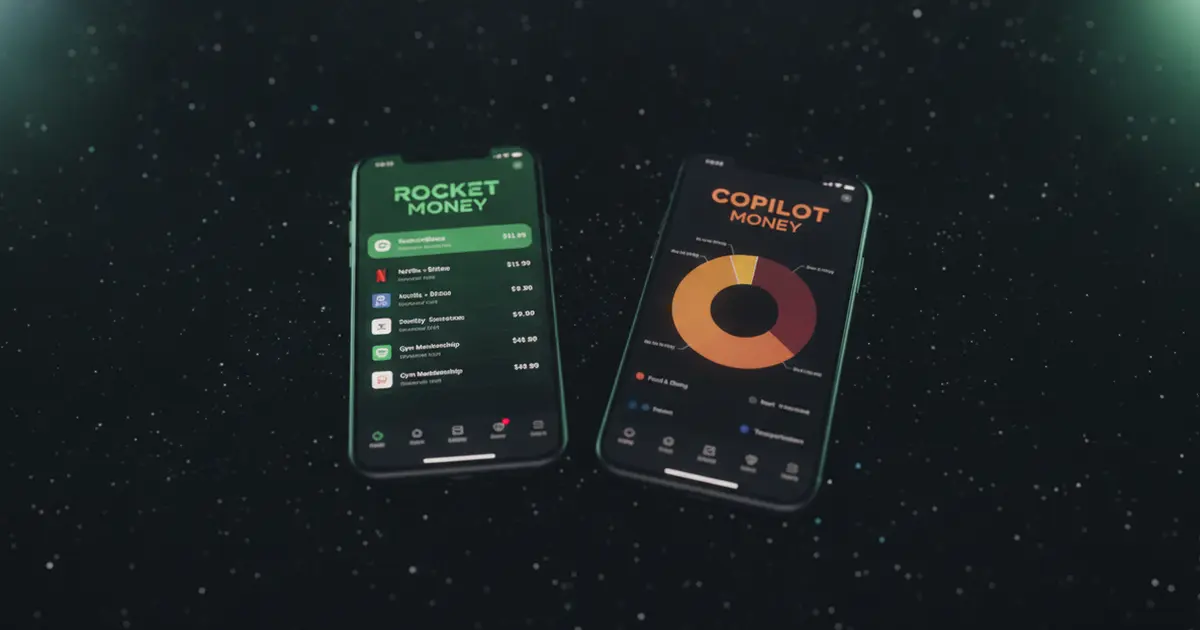
Searching “rocket money vs copilot” usually means you’ve seen both names in the same personal finance conversation and you’re wondering whether they solve the same problem or different ones. They solve different ones. Rocket Money is a subscription-detection and bill-negotiation app with a free tier and broad platform support. Copilot is a premium budgeting app built for the Apple ecosystem with AI-driven categorization and investment tracking. Both connect to your bank. That’s roughly where the similarity ends.
This guide covers how each app actually works in 2026, what it costs, where it runs, and who it fits. A quick disclosure upfront: we build Ditchr, a subscription tracker that doesn’t require bank linking, and it comes up at the end of this comparison.
Rocket Money and Copilot solve different money problems. Rocket Money has a free tier, runs on iOS and Android, and focuses on finding subscriptions you don’t need and negotiating your bills lower. Copilot costs $13 a month with no free plan, runs on Apple devices only, and is built around AI transaction categorization and investment tracking. Both require a bank login through Plaid.
How Rocket Money and Copilot Work
Copilot Money and Rocket Money share one core requirement: both pull transaction data from your bank through Plaid, the third-party data aggregator used by thousands of US financial apps. Copilot supplements Plaid with Mastercard, MX, and Akoya for financial institutions those networks cover that Plaid doesn’t. Rocket Money uses Plaid only. From there, the apps diverge sharply. Copilot costs $13 per month or $95 per year with no free plan, runs on iOS 17+, macOS 14+, and a limited web app launched in December 2025 (no Android app exists as of mid-2026), and applies per-user AI to categorize transactions and pull in investment account data. Rocket Money offers a free tier with basic subscription detection and 2 budget categories, plus a pay-what-you-want Premium tier at $7–$14 per month that adds a subscription cancellation concierge and bill negotiation. That negotiation service costs 35–60% of first-year savings on top of the subscription fee. Both apps need bank access to do their core jobs.
Once your bank is linked in Rocket Money, the app scans your transaction history and flags recurring charges as subscriptions. You can review everything it found on the free tier. The cancellation concierge service, where someone on Rocket Money’s team contacts the company on your behalf, is a Premium feature. Copilot works differently: it learns from your corrections. Adjust a miscategorized transaction once and Copilot applies that rule to future charges from the same merchant. After a few weeks, the spending view gets genuinely personal.
Pricing: What Rocket Money vs. Copilot Actually Costs
Rocket Money’s free tier includes unlimited bank account connections, automatic subscription detection, and 2 budget categories. It’s a functional starting point for anyone who wants to see recurring charges listed before committing to a paid plan.
Premium runs $7–$14 per month on a pay-what-you-want model — you pick the amount when you sign up. At $7 per month ($84 per year), Rocket Money Premium is cheaper than Copilot’s annual plan. At $14 per month ($168 per year), it’s noticeably more expensive. A 7-day free trial of Premium is available, though payment details are required upfront.
Copilot has no free plan. The price is $13 per month or $95 per year. Paying annually saves you about $61 compared to monthly billing. At $95 per year, Copilot sits just above the low end of Rocket Money’s Premium range. Copilot does offer a free trial period before you commit.
One cost that’s easy to miss on Rocket Money: bill negotiation isn’t included in the subscription price. If you use the service and Rocket Money’s team successfully lowers your cable or internet bill, you pay them 35–60% of the first year’s savings. That fee applies whether you’re on the free tier or Premium. Our detailed Rocket Money pricing guide covers the full breakdown.
This is where the apps split most clearly. Copilot has no Android app as of mid-2026. The company has described this as a deliberate product direction, not a roadmap item in progress. The native app runs on iPhone (iOS 17 or later), iPad, and Mac (macOS 14 or later). A web app launched in December 2025 works from any modern browser, but reviewers consistently describe it as more limited than the mobile version — primarily useful for transaction filtering and review. If your household includes Android users, Copilot won’t fit.
Rocket Money runs on iOS and Android with comparable features on both platforms. Both apps use Plaid for bank linking, which means you enter your bank credentials through Plaid’s secure interface. Plaid operates on read-only access — it can see your transactions but can’t move money or initiate transfers. For a closer look at what that means in practice, our Rocket Money safety review covers the security model in detail.
Copilot’s bank coverage is US-focused. It supplements Plaid with Mastercard, MX, and Akoya to reach institutions those networks cover. International bank support is minimal for both apps.
Do You Need to Link Your Bank?
Both Rocket Money and Copilot require bank access to deliver their main features. Copilot’s AI categorization has nothing to work from without connected accounts — there’s no manual transaction entry path that unlocks the core features. Rocket Money’s subscription detection needs your transaction history to scan; without bank linking, you’d have to add each subscription by hand, which the app isn’t built for.
That’s a data-sharing decision worth thinking through. Plaid operates on read-only access through an encrypted connection and doesn’t store your bank credentials after the initial setup. But your complete transaction history does pass through a third-party system, and both apps see your full spending picture.
Millions of people use Plaid-connected apps and find the trade-off reasonable. Some don’t. If you’d rather keep your bank login private, the last section covers a tracker that works without it.
Features Side by Side
Rocket Money does things Copilot doesn’t:
- Free tier with automatic subscription detection
- Subscription cancellation concierge (Premium)
- Bill negotiation service (35–60% success fee, free or Premium)
- Credit score tracking with history and change alerts
- Android app with full feature parity
Copilot does things Rocket Money doesn’t:
- Investment account tracking: brokerage and retirement, no separate tier required
- Per-user AI categorization that improves as you correct it
- Two different budgeting frameworks to choose between
- Native Apple integrations: lock-screen widgets, Apple Watch, Siri shortcuts
- Full Mac app for desktop users
Neither app cancels subscriptions automatically. Rocket Money’s concierge means a person on their team contacts the service on your behalf, but you still have to request it for each subscription individually. Copilot has no cancellation feature at all.
For a full look at how Rocket Money’s features hold up on their own, see our Rocket Money review. If you’re weighing Rocket Money against a zero-based budgeting approach, our Rocket Money vs. YNAB breakdown covers that comparison.
Who Should Choose Rocket Money vs. Copilot
Rocket Money fits better if:
- You or your household uses Android
- Finding and cancelling unused subscriptions is your main goal
- Bill negotiation sounds useful even with the success fee structure
- You want to start for free and decide later whether to upgrade
- Credit score monitoring in the same app is useful to you
Copilot fits better if:
- You’re fully in the Apple ecosystem: iPhone, iPad, Mac
- Investment tracking alongside daily spending is important to you
- You care about app design and you’ll actually open it most days
- $95 per year fits your budget and you don’t need Android
If what brought you to this comparison is specifically wanting to see all your subscriptions in one place, know what you’re paying before renewals hit, and get reminded before free trials charge you, both Rocket Money and Copilot have more than you need and require bank access you might prefer to skip.
Ditchr (our app, disclosure noted) is free, works on iOS and Android, and doesn’t ask for your bank login. You import subscriptions by uploading a bank statement export, a screenshot, or forwarded email receipts. The app tracks renewal dates, flags upcoming trial expirations, and shows your total monthly subscription spend. Our AI assistant Nova can help you spot what you’re no longer using. Ditchr won’t budget your groceries, track your 401(k), or negotiate your cable bill — that’s the trade-off, and for a lot of people it’s the right one.
Download Ditchr at ditchr.app and get your subscriptions listed in a few minutes, no bank login required.