Canceling Rocket Money is straightforward once you know where to look, but the flow is unusual enough to trip people up. The Premium cancel button doesn’t say “cancel” at first. You’ll hit a pricing slider instead, and if you subscribed through Apple or Google Play, the in-app option does nothing at all. On top of that, canceling your Premium membership doesn’t revoke Plaid’s access to your bank accounts. That’s a separate step most guides skip. This article walks through every cancellation method, what happens to your data, and how to fully cut the connection when you’re done.
To cancel Rocket Money, open the app and go to Settings > Membership > Manage Membership. Drag the pricing slider all the way left until it reads $0/month, then tap Cancel Subscription and confirm. Your Premium access stays active through the end of your current billing period. If you subscribed through Apple or Google Play, cancel through those platforms’ subscription settings instead.
How to Cancel Rocket Money Premium in the App
This method works if you signed up at rocketmoney.com directly or through the app without going through the App Store or Google Play first.
Steps:
- Open the Rocket Money app.
- Tap the Settings icon in the top corner.
- Select Membership.
- Tap Manage Membership.
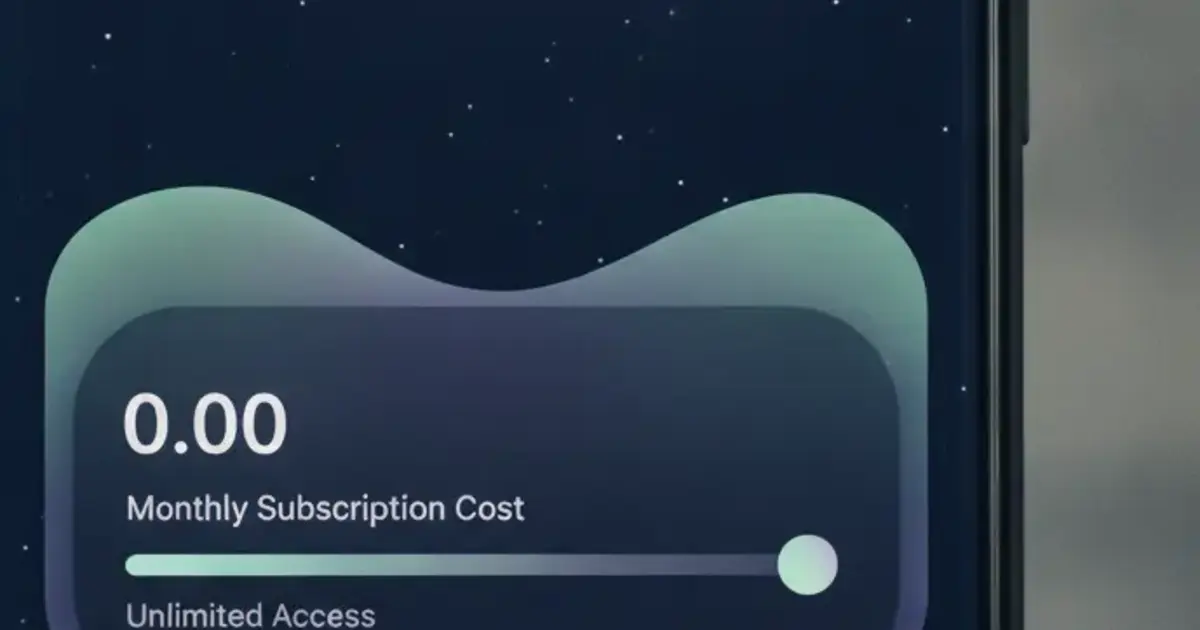
- Drag the pricing slider all the way to the left until it reads $0/month.
- Tap Cancel Subscription and confirm when prompted.
You’ll get an email confirmation. Premium features stay on through the current billing period, so nothing cuts off immediately.
The slider exists because Rocket Money uses a “pay what you want” model for its Premium tier, letting users set their own price between $4 and $12 per month. Canceling means setting that price to zero. It’s by design, but it confuses people expecting a direct cancel button.
Rocket Money launched in 2015 as Truebill before Rocket Companies acquired it in 2022 for $1.275 billion. As of 2026, the platform has over 5 million registered users. Premium costs between $4 and $12 per month (users choose their price), and the tier includes a bill negotiation concierge, smart savings accounts, and credit score monitoring. Canceling Premium drops you to the free tier, which keeps basic subscription tracking but still requires a bank connection through Plaid. The free plan doesn’t include bill negotiation or the cancellation concierge. Rocket Money’s help center confirms that cancellations take effect at the end of the billing period, and your account data stays intact unless you go through a separate account deletion process.
How to Cancel Rocket Money on iPhone
If you subscribed to Rocket Money through the App Store, Apple controls the billing. The in-app cancel flow won’t work here. You have to go through your iPhone settings.
Steps:
- Open Settings on your iPhone.
- Tap your name at the top to open your Apple ID.
- Select Subscriptions.
- Find Rocket Money in the list and tap it.
- Tap Cancel Subscription and confirm.
Cancellation takes effect at the end of the current billing cycle, same as the in-app method.
One thing that catches people off guard: uninstalling Rocket Money from your phone does not cancel the subscription. Apple keeps billing you until you cancel through Settings. Check your active subscriptions before deleting the app to avoid getting charged for a service you’re no longer using.
How to Cancel Rocket Money on Android
If you paid through Google Play, the cancellation runs through your Google account.
Steps:
- Open the Google Play Store app.
- Tap your profile picture in the top right corner.
- Go to Payments & subscriptions > Subscriptions.
- Tap Rocket Money in the list.
- Tap Cancel subscription and follow the prompts.
Not sure which platform you signed up through? Check your inbox for the original billing receipt. A receipt from Apple means the App Store path. A receipt from Google means the Play Store path. A receipt from Rocket Money directly means the in-app slider method.
What Happens to Your Data After You Cancel
Canceling Premium doesn’t delete your account. Rocket Money keeps your transaction history, linked bank accounts, and subscription records in its system. If you resubscribe later, everything picks back up.
To permanently remove your data, you need to take a separate deletion step. Rocket Money’s help center lists this sequence:
- Cancel your Premium membership first.
- End any active bill negotiations.
- Close open financial goals.
- Request account deletion through the app settings.
Deletion is permanent. Rocket Money says it can’t be undone, so save anything you need before going through with it.
There’s also the Plaid question. Rocket Money connects to your bank through Plaid, a third-party service, and that connection lives in Plaid’s system separately from Rocket Money itself. Canceling or deleting the Rocket Money app doesn’t automatically cut Plaid’s access to your bank. To fully revoke it, go to plaid.com/connections and remove Rocket Money from your authorized apps, or check your bank’s connected apps settings and revoke access there. Our Rocket Money safety breakdown goes deeper on what Plaid collects and the exact steps to remove that access.
Common Cancellation Problems
The slider won’t let you reach $0. If you’re stuck above $0, try dragging slowly from the right edge all the way to the far left. Some users report the slider snapping back on the first try. If it keeps happening, check whether you’re on a promotional lock-in period.
You can’t find the Membership option. This usually means you’re on the free tier already and there’s nothing to cancel. Log into rocketmoney.com on a desktop to confirm your plan status.
The Cancel Subscription button doesn’t appear. Almost always a sign that you subscribed through Apple or Google Play, not directly through Rocket Money. Cancel through your phone’s platform settings instead.
You were charged after canceling. Check whether the cancellation went through before the next billing date. If you canceled on the same day as renewal, the charge may have already processed. Contact Rocket Money support for a refund request, or dispute with Apple or Google if you subscribed through those platforms.
What to Use After Canceling Rocket Money
Most people canceling Rocket Money have two complaints: the mandatory bank link and the paywall on the features that matter. If either of those pushed you out, a tracker that skips both might be the right call.
Full disclosure: Ditchr is our app. Here’s an honest take.
Ditchr doesn’t connect to your bank. You add subscriptions manually from a catalog of known services, or run a “sweep” that reads a screenshot of your bank statement or a forwarded billing email. The app shows your total monthly and yearly spend, sends renewal reminders before charges hit, and flags trial end dates so a free period doesn’t silently flip to paid. Those core features are free, with no paywall.
What Ditchr doesn’t do: it won’t cancel subscriptions on your behalf, and it doesn’t pull live transaction data from a bank feed. Rocket Money’s concierge service handles those cancellations for you (on Premium), and that’s a real feature Ditchr doesn’t replicate. If that concierge is why you were on Rocket Money, Ditchr won’t fill that gap.
Our full Rocket Money review covers what you get on each tier and whether the Premium price makes sense given what’s free. The is Rocket Money free breakdown makes it easier to decide whether to stay on the free tier or switch entirely.
If Ditchr sounds like a fit, you can get it free on Android at ditchr.app.
Frequently Asked Questions
Does canceling Rocket Money delete my account?
Canceling Premium only stops the paid billing. Your account, transaction history, and bank connection stay in Rocket Money’s system. To permanently delete your data, follow the separate account deletion process in the app settings after canceling your membership.
Can I get a refund when I cancel Rocket Money?
Rocket Money doesn’t typically refund the current billing period. You keep Premium access through the end of the cycle you already paid for. If you were charged unexpectedly, contact Rocket Money support. If you subscribed through Apple or Google, reach out to those platforms for their specific refund policies.
Will canceling Rocket Money remove my bank account from Plaid?
Canceling the app doesn’t revoke Plaid’s bank access automatically. You need to remove Rocket Money separately at plaid.com/connections or through your bank’s connected apps settings.
What if the Cancel Subscription button doesn’t show up in the app?
It usually means you subscribed through Apple or Google Play. Cancel through your iPhone’s Settings > Subscriptions or Google Play > Payments & subscriptions to find the right cancel option.
What’s the difference between canceling and deleting my Rocket Money account?
Canceling Premium stops the paid subscription. Your data stays in the system. Deleting the account permanently removes everything and can’t be undone. To delete, you need to cancel Premium first, then go through the account deletion flow in settings.