Bobby App Review 2026: Pros, Cons & Alternatives
Is the Bobby subscription tracker worth it in 2026? Honest review of features, iOS limitations, pricing, and the best alternatives.
SM
Sofia Marin
Streaming & Deals Editor · August 10, 2026
Is the Bobby subscription tracker worth it in 2026? Honest review of features, iOS limitations, pricing, and the best alternatives.
Bobby comes up in almost every conversation about subscription trackers. Search “subscription tracker app” in the App Store and you’ll find it near the top, with 4.7 stars and thousands of reviews calling it beautiful, clean, minimal. That reputation is earned. But beautiful and right for your specific needs aren’t always the same thing.
This review covers what the Bobby app actually delivers in 2026, where it falls short, and who should use it. Full disclosure: we built Ditchr, a competing subscription tracker, so you’ll see exactly how the two compare and can decide for yourself.
Bobby is an iOS-only subscription tracker from Yummygum that logs recurring bills manually and shows a monthly total with renewal reminders. It holds a 4.7/5 App Store rating from nearly 8,000 reviews. The free tier has limits; a one-time in-app purchase unlocks unlimited entries. No bank import, no Android version, no cancel guidance.
Bobby does one thing well: showing you what you pay and when.
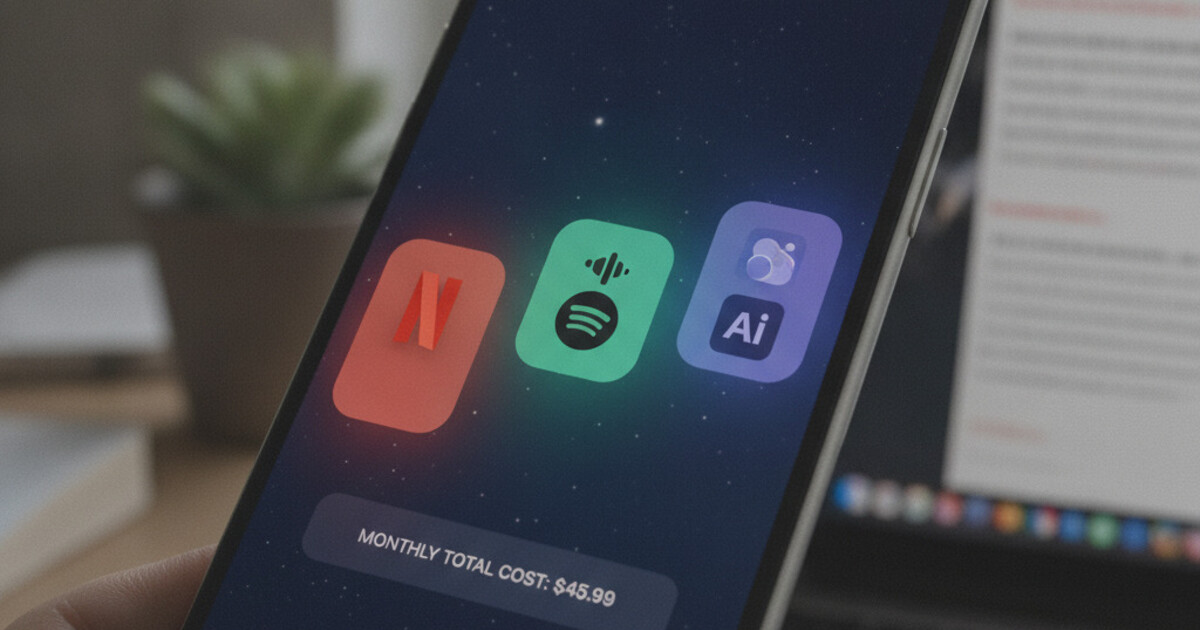
Open the app, pick a service from a catalog of 1,500+ brands (Netflix, Spotify, iCloud, Adobe, Disney+, and hundreds more), enter your billing amount, and set the billing cycle. Bobby drops it into your dashboard and the monthly total updates instantly. Tap any subscription and you see the exact renewal date, amount, and frequency. The layout is clean enough that you’ll actually look at it.
The design is the headline feature. Yummygum built Bobby as a design studio project, and it shows in every detail: soft card colors, smooth animations, a typography stack that makes a list of recurring charges feel almost manageable. You can color-code subscriptions by category, sort by cost or renewal date, and set push reminders a few days before each charge hits your card.
The Bobby app subscription tracker launched in 2015. According to App Store data, it has surpassed 500,000 downloads and holds a 4.7/5 average from roughly 8,000 ratings. Independent roundups from CNBC Select, LowerMySubs, and personal-finance publications consistently recommend it for minimalist iOS tracking. Yummygum kept the product deliberately narrow: log a subscription, set a billing cycle, see your monthly total. That focus is its value proposition. The one-time in-app pricing model, which charges a single unlockable fee rather than a recurring subscription, is one of Bobby’s strongest differentiators. Most competing apps charge $3–$12 per month or restrict meaningful features to paid tiers. Bobby’s no-subscription-fee structure earns loyalty from users specifically tired of yet another app adding to the pile they’re trying to manage. For a visual overview of subscriptions you already know about, Bobby earns its App Store rating.
The free tier caps you at a limited number of subscriptions. Enough to test the interface, not enough for most households.
Yummygum’s “All In One Pack” in-app purchase unlocks unlimited subscriptions, removes the cap, and adds extra customization. One payment. No recurring fee. You pay once and the app is yours indefinitely.
That pricing model is genuinely better than most of Bobby’s competition in this category. Rocket Money charges $6–$12 per month for the features that matter. Several other trackers lock basic reminders behind an annual paywall. Bobby’s one-time unlock is a clear win on cost structure.
The tradeoff is that no price tier unlocks bank import, AI-powered discovery, cancel guides, trial countdowns, or Android support. Bobby’s pricing reflects what the product is: a manual visual list with reminders. If that’s what you need, the one-time fee is fair. If you need more than that, the fee doesn’t change the scope.
This is where the review earns its keep.
iOS only. Bobby’s active development is iOS-exclusive. An Android version exists but it hasn’t been updated in years. If you’re on Android, or you share finances with someone on Android, Bobby won’t work for your household.
Fully manual, no discovery. Every subscription gets added by hand. Bobby won’t read your email, scan bank statements, or surface forgotten charges. You need to already know your complete subscription list before you open the app. If you’re using a tracker to find out what you’re paying for, Bobby can’t help with that step.
No free-trial countdown. You can set a manual reminder on any subscription, but Bobby has no dedicated feature for trial tracking. When a free trial converts to a paid charge in five days, Bobby won’t send a “trial ending soon” alert. You’d need to set a custom reminder when you signed up and hope you remembered to.
Development has been slow since launch. Bobby shipped in 2015 and major additions have been rare. The clean interface holds up, but the app hasn’t kept pace with how subscription management works in 2026: email imports, bank statement sweeps, AI assistants, cross-platform sync. None of those features exist in Bobby, by design or by neglect.
No cancel guidance. When you decide to ditch a subscription, Bobby’s involvement ends at the list view. It doesn’t link to the cancellation page for a given service, explain when to cancel relative to your billing date, or flag services with notorious cancellation flows like Adobe’s early termination fee or Planet Fitness’s in-person requirement. Bobby tracks. It doesn’t guide.
Both Bobby and Ditchr are privacy-first apps that don’t link to your bank account. Both let you track subscriptions manually. Neither monetizes your spending data.
The gaps are real, though.
| Feature | Bobby | Ditchr |
|---|---|---|
| Platform | iOS only | iOS + Android |
| Tracking method | Manual entry | Manual + sweep import |
| Free trial reminders | Manual only | Per-subscription countdown |
| Cancel guidance | None | Guided per service |
| Bank login required | No | No |
| Base cost | One-time IAP | Free |
| AI assistant | None | Nova |
Platform. Bobby is iOS only. Ditchr runs on iOS and Android.
Finding forgotten subscriptions. Bobby assumes you know everything you’re paying for. Ditchr’s “Run a Sweep” feature lets you import from a bank statement screenshot, email receipts, or a CSV to surface charges you’d forgotten without sharing your bank login.
Trial reminders. Ditchr shows a per-subscription countdown for free trials and alerts you before a trial converts to a paid charge. Bobby has no equivalent.
Cancel guidance. When you’re ready to cut a subscription, Ditchr points you to how and where to cancel that specific service. Bobby’s job ends at the dashboard.
Nova. Ditchr includes an in-app AI assistant you can ask questions like “what am I spending the most on?” Bobby has no AI feature.
Bobby wins on design refinement and the one-time pricing model. If you value visual polish and a single unlockable fee above cross-platform reach and discovery tools, Bobby delivers those things reliably.
If Bobby sits at the minimalist end of the subscription-tracker spectrum, Rocket Money is the maximalist end.
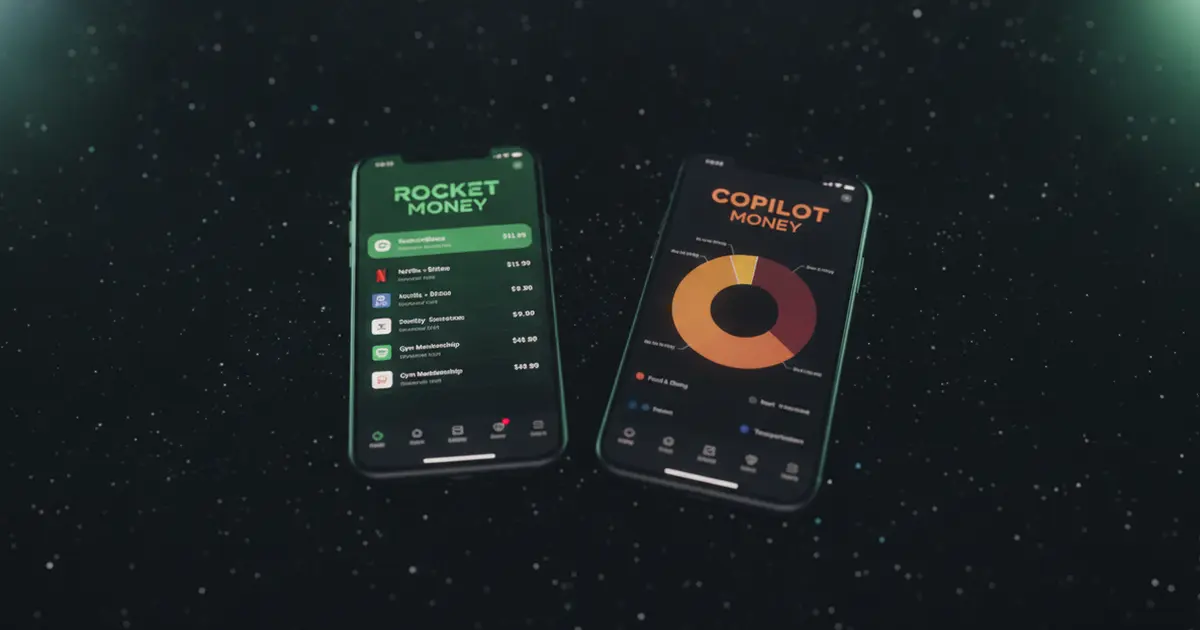
Rocket Money connects to your bank via Plaid, automatically detects subscriptions, and offers a concierge cancellation service that cancels on your behalf (at $6–$12 per month depending on plan). It also tracks net worth, spending categories, and runs a bill-negotiation service.
For full automation with bank connectivity, Rocket Money does more than either Bobby or Ditchr. The tradeoff: you hand over your bank credentials and pay a monthly fee for the features that matter.
Our Rocket Money review covers what “automatic” actually looks like in practice. For the security and privacy side of Plaid bank linking, see Is Rocket Money Safe?. If you’ve decided Rocket Money isn’t right for you, Rocket Money alternatives covers several options side-by-side, including Bobby and Ditchr.
Bobby is a genuine fit for a specific person: an iPhone user who already knows their complete subscription list, wants a clean visual dashboard, and prefers a one-time cost over any recurring fee.
It’s a reasonable choice if you have fewer than a dozen subscriptions, don’t need trial tracking, and aren’t in a household split between iOS and Android. The 4.7/5 rating reflects real satisfaction from that user group.
Bobby isn’t the right call if you need:
Those aren’t failures. They’re deliberate design choices Yummygum made when scoping the product. Know what you’re getting before you download. Bobby is a beautiful tool for a narrow job. If that job matches yours, you’ll probably leave it a five-star review too.
If you want what Bobby offers (private by design, no bank login, no recurring fees) but need trial reminders, sweep import, Android support, and cancel guidance built in, Ditchr covers all of it for free. Try Ditchr and see what you’re actually paying for.
Ditchr tracks every subscription, reminds you before free trials and renewals charge you, and helps you ditch what you don't use. Free, private, no bank login.
Get Ditchr — freeBobby has a free tier that tracks a limited number of subscriptions. A one-time in-app purchase unlocks unlimited subscriptions with no recurring charge. You pay once and use it indefinitely. The upgrade also removes the entry cap and unlocks additional customization.
Bobby's active version is iOS only. An Android build existed but hasn't been maintained in years. Android users looking for a subscription tracker without bank linking should look at Ditchr, which supports both iOS and Android.
Bobby doesn't have a dedicated free-trial countdown feature. You can set a manual reminder on any subscription, but the app won't automatically flag when a trial is about to convert to a paid charge. Tracking trial deadlines requires your own calendar or a separate app.
Yes. Bobby stores all data locally on your device. It doesn't link to your bank, doesn't share spending data with advertisers, and Yummygum's one-time pricing model means the business runs on purchases rather than data monetization. The privacy posture is solid.
It depends on what Bobby is missing for you. For cross-platform use (iOS and Android), trial reminders, and sweep import without bank linking, Ditchr is a strong fit. For full automatic detection with bank connectivity, Rocket Money is the most capable option, though it requires bank linking and a monthly fee.
Sofia covers streaming services, free trials, and getting the most out of what you pay for. She tracks trial lengths, price hikes, and cancellation quirks so readers don't get caught by a surprise renewal.