PocketGuard Review 2026: Is It Worth It?
An honest look at PocketGuard: free plan limits, Plus pricing ($74.99/yr), bank linking, and how it compares to Rocket Money in 2026.
SM
Sofia Marin
Streaming & Deals Editor · August 17, 2026
An honest look at PocketGuard: free plan limits, Plus pricing ($74.99/yr), bank linking, and how it compares to Rocket Money in 2026.
PocketGuard built its reputation on a single idea: give people one number that tells them how much they can spend today without falling behind on bills or savings. If you’ve ever wanted a simple answer to “can I afford this right now?”, that pitch is genuinely appealing. But the free tier has real limits, the premium subscription isn’t cheap, and every meaningful feature requires connecting your bank account.
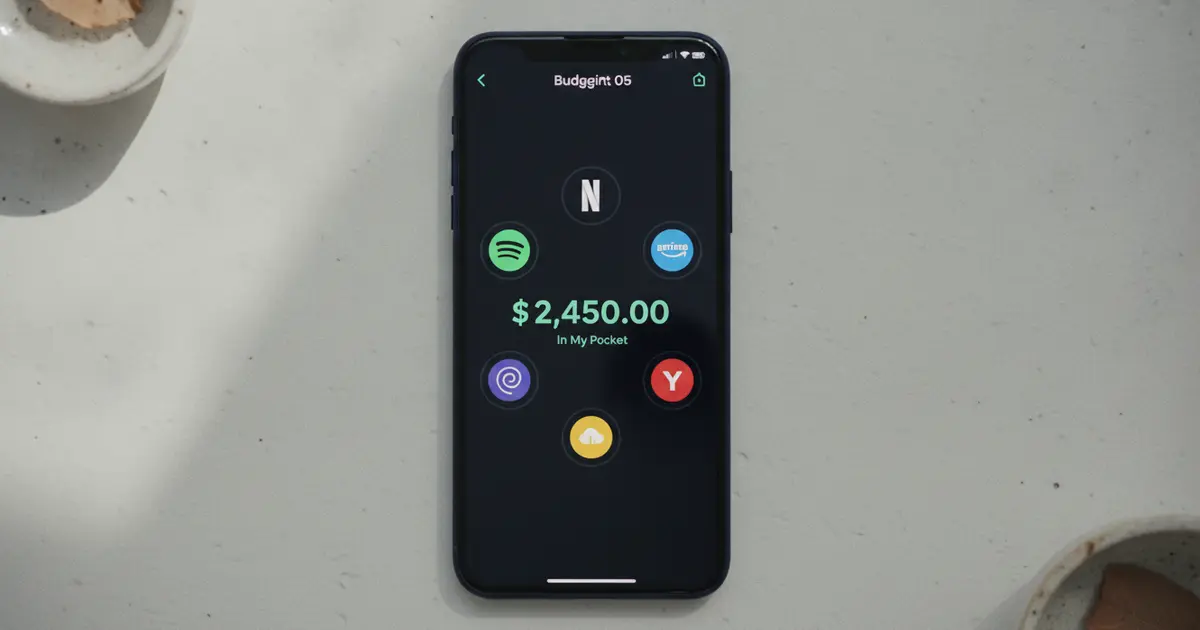
PocketGuard is a budgeting app that calculates a daily “In My Pocket” figure: what you can safely spend after bills and savings goals are covered. The free plan caps you at 2 linked accounts and 2 spending categories. PocketGuard Plus costs $12.99/month or $74.99/year. Bank linking via Plaid is required for all features.
PocketGuard pulls your financial data through Plaid or Finicity, categorizes transactions automatically, and surfaces one number on your home screen: what you have left to spend today. The math is straightforward: income minus bills, savings goals, and an auto-calculated buffer equals the “In My Pocket” figure.
PocketGuard launched in 2015 and has more than 1 million members as of 2026. It runs on iOS and Android and connects to most US financial institutions through Plaid, which provides read-only access (the app can see your transactions but can’t move your money). The free tier links up to 2 bank accounts and tracks 2 spending categories.
PocketGuard Plus, at $12.99/month or $74.99/year, removes both caps and adds debt payoff planning (avalanche and snowball methods), custom spending categories, push notifications for due bills and large transactions, and in-app subscription cancellation tools. A one-time lifetime plan runs $149.99, with promotional pricing at $79.99 appearing in some expert reviews. The “In My Pocket” concept works well for impulsive spenders: one number is harder to rationalize around than a full category breakdown.
The 2-account cap on the free plan makes it genuinely limiting for anyone who has checking at one bank and savings at another.
Bank linking is mandatory. PocketGuard can’t calculate your daily spending limit without reading your actual transaction data, so there’s no way to try the core feature without connecting a financial account. For users comfortable with that trade-off, the app does what it promises. For users who’d rather keep their bank login private, the main feature isn’t available at all.
The free plan gives you the “In My Pocket” calculation, basic transaction history, 2 connected accounts, and 2 spending categories. That’s enough to see how the interface works, but probably not enough to use PocketGuard as your primary budget tool.
PocketGuard Plus adds:
At $74.99/year, Plus is in the same price range as Rocket Money Premium (which runs $72-$144/year depending on what you negotiate). The $149.99 lifetime plan makes sense if you stick with the app for two or more years.
Worth knowing: reviewers on Reddit and personal-finance forums consistently flag persistent upgrade prompts in the free interface. PocketGuard makes clear you’re not getting the full product without paying.
PocketGuard is a legitimate app with no significant data breaches on record. It uses 256-bit SSL encryption (the same standard major banks use), requires a PIN or biometric login to open, and connects through Plaid with read-only access. Plaid stores your bank credentials encrypted; PocketGuard never sees them directly.
The “is PocketGuard safe” question splits into two parts. On the technical side: yes. Read-only access means the app can’t transfer funds, and both PocketGuard and Plaid have solid security track records. Plaid is certified under internationally recognized security standards and is used by thousands of other financial apps. On the business model side: PocketGuard is a for-profit company that earns from subscriptions and, per its privacy policy, from financial product recommendations tailored to your transaction patterns.
That’s the same model Mint used and the same one NerdWallet runs. If you’re comfortable with a fintech company analyzing your spending to suggest financial products, PocketGuard is fine to use. If you’d rather not share your transaction history with a venture-backed business, that discomfort is reasonable and worth acting on.
Both apps require bank linking and both surface your recurring charges. After that, they solve different problems.
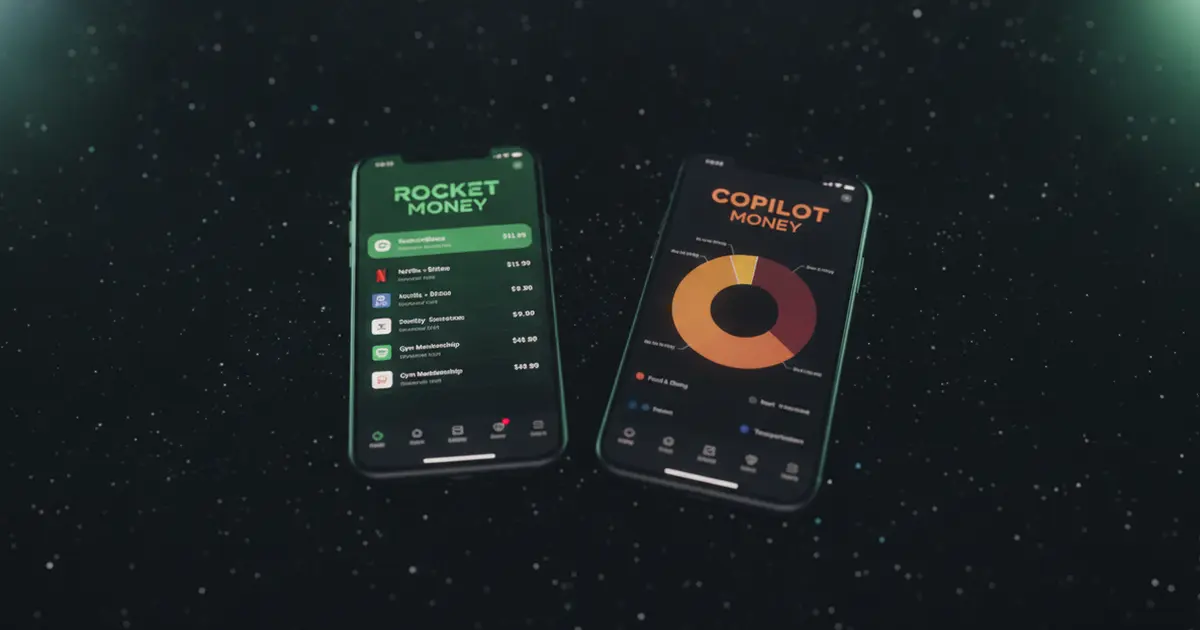
Rocket Money’s main draw is its concierge subscription-cancellation service, available on Premium. You list what you want canceled and Rocket Money handles the contact with the company. It also tracks net worth, monitors credit scores, and negotiates some recurring bills. PocketGuard’s main draw is the real-time spending ceiling. It answers “how much can I spend today?” rather than “find what I’m paying for.”
On debt payoff planning, PocketGuard has the edge: Plus includes both avalanche and snowball calculators. Rocket Money doesn’t offer this. For subscription cancellation with minimal effort on your part, Rocket Money Premium is more direct than PocketGuard’s in-app tools. Pricing is close: PocketGuard Plus at $74.99/year versus Rocket Money Premium at $72-$144/year.
If you’re choosing between the two, the question is what problem you’re trying to fix. PocketGuard is better for daily spending control. Rocket Money is better for tracking down and canceling forgotten subscriptions. They overlap on transaction visibility, but their premium features go in different directions. For a full breakdown of Rocket Money’s pricing and features, see our Rocket Money review.
PocketGuard works well for people who overspend impulsively and need a hard ceiling on what they can spend each day. The “In My Pocket” concept is the app’s genuine strength: one number is harder to game than a category breakdown. It also works for anyone who wants structured debt payoff planning built into their finance app, without paying for a separate tool.
PocketGuard isn’t the right tool for people who don’t want to link a bank account; the core feature simply doesn’t function without it. It’s also a poor fit for people who only care about subscription tracking. PocketGuard surfaces subscriptions as part of a larger budgeting picture, but it’s not built to track trial end dates, send renewal reminders, or show all your recurring charges at a glance outside of the full account view.
The free tier is limited enough that a meaningful trial isn’t really possible with 2 accounts and 2 categories. You’ll see the interface but not whether the app handles your actual financial life.
Full disclosure: Ditchr is our app. We built it to solve a narrower problem than PocketGuard, so this is a clearly disclosed comparison, not a neutral third-party take.
PocketGuard is a budgeting app with subscription visibility built into a larger spending picture. Ditchr is a subscription tracker, and that’s the whole job. That narrower focus means Ditchr doesn’t need your bank login. You add subscriptions manually, import from a bank statement screenshot, or let Ditchr scan your email receipts. Nothing connects directly to a financial account. Your data stays on your device.
Ditchr shows your monthly and annual subscription totals, ranks what costs you the most, and sends renewal reminders before trial periods convert to paid charges. That last piece is the feature most people come for: Ditchr pings you before the charge, not after. It doesn’t calculate a daily spending limit or help you plan debt payoff.
If you want full budgeting with income tracking, spending categories, and debt planning, PocketGuard or YNAB are the better choices. If you want to see all your subscriptions in one place, track which trials are ending, and cut what you’re not using without handing over bank access, Ditchr handles that for free. See what your subscriptions add up to at ditchr.app.
For a broader list of subscription management options, our Rocket Money alternatives guide covers several tools with different privacy trade-offs.
Is PocketGuard really free?
PocketGuard has a free tier, but it’s capped at 2 linked accounts and 2 spending categories. Most of the features that make the app useful (unlimited accounts, custom categories, debt payoff planning, and subscription cancellation) require PocketGuard Plus at $12.99/month or $74.99/year.
Does PocketGuard require a bank account link?
Yes. The core “In My Pocket” feature pulls live data from your connected accounts through Plaid or Finicity. PocketGuard can’t calculate your available spending without reading your actual transactions. There’s no manual entry option for the budgeting features.
Is PocketGuard safe to link my bank to?
The technical security is solid: 256-bit SSL encryption, read-only access (no transfers possible), biometric login, and Plaid as the intermediary. PocketGuard has no reported data breaches. The trade-off is sharing your transaction history with a for-profit company that earns from financial product recommendations based on your spending patterns.
How does PocketGuard compare to Rocket Money?
Both require bank linking. PocketGuard focuses on daily spending limits and debt payoff planning. Rocket Money focuses on subscription cancellation and bill negotiation via its Premium service. PocketGuard Plus ($74.99/year) is slightly cheaper than Rocket Money Premium ($72-$144/year). Neither tracks subscriptions without bank access.
What’s an alternative to PocketGuard that doesn’t require bank linking?
Ditchr tracks subscriptions and sends renewal reminders without connecting to your bank. It’s free and built for people who want to see all their recurring charges in one place without sharing financial account access. For general budgeting without bank linking, YNAB supports full manual entry across categories and accounts.
Ditchr tracks every subscription, reminds you before free trials and renewals charge you, and helps you ditch what you don't use. Free, private, no bank login.
Get Ditchr — freePocketGuard has a free tier, but it's capped at 2 linked accounts and 2 spending categories. Most useful features (unlimited accounts, custom categories, debt payoff planning, and subscription cancellation) require PocketGuard Plus at $12.99/month or $74.99/year.
Yes. The core 'In My Pocket' feature pulls live data from your connected accounts through Plaid or Finicity. PocketGuard can't calculate your available spending without reading your actual transactions. There's no manual entry option for the budgeting features.
The technical security is solid: 256-bit SSL encryption, read-only access (no transfers possible), biometric login, and Plaid as the intermediary. PocketGuard has no reported data breaches. The trade-off is sharing your transaction history with a for-profit company that earns from financial product recommendations.
Both require bank linking. PocketGuard focuses on daily spending limits and debt payoff planning. Rocket Money focuses on subscription cancellation and bill negotiation via Premium. PocketGuard Plus ($74.99/year) is slightly cheaper than Rocket Money Premium ($72-$144/year). Neither tracks subscriptions without bank access.
Ditchr tracks subscriptions and sends renewal reminders without connecting to your bank. It's free and built for people who want to see all their recurring charges in one place without sharing financial account access. For general budgeting without bank linking, YNAB supports full manual entry.
Sofia covers streaming services, free trials, and getting the most out of what you pay for. She tracks trial lengths, price hikes, and cancellation quirks so readers don't get caught by a surprise renewal.